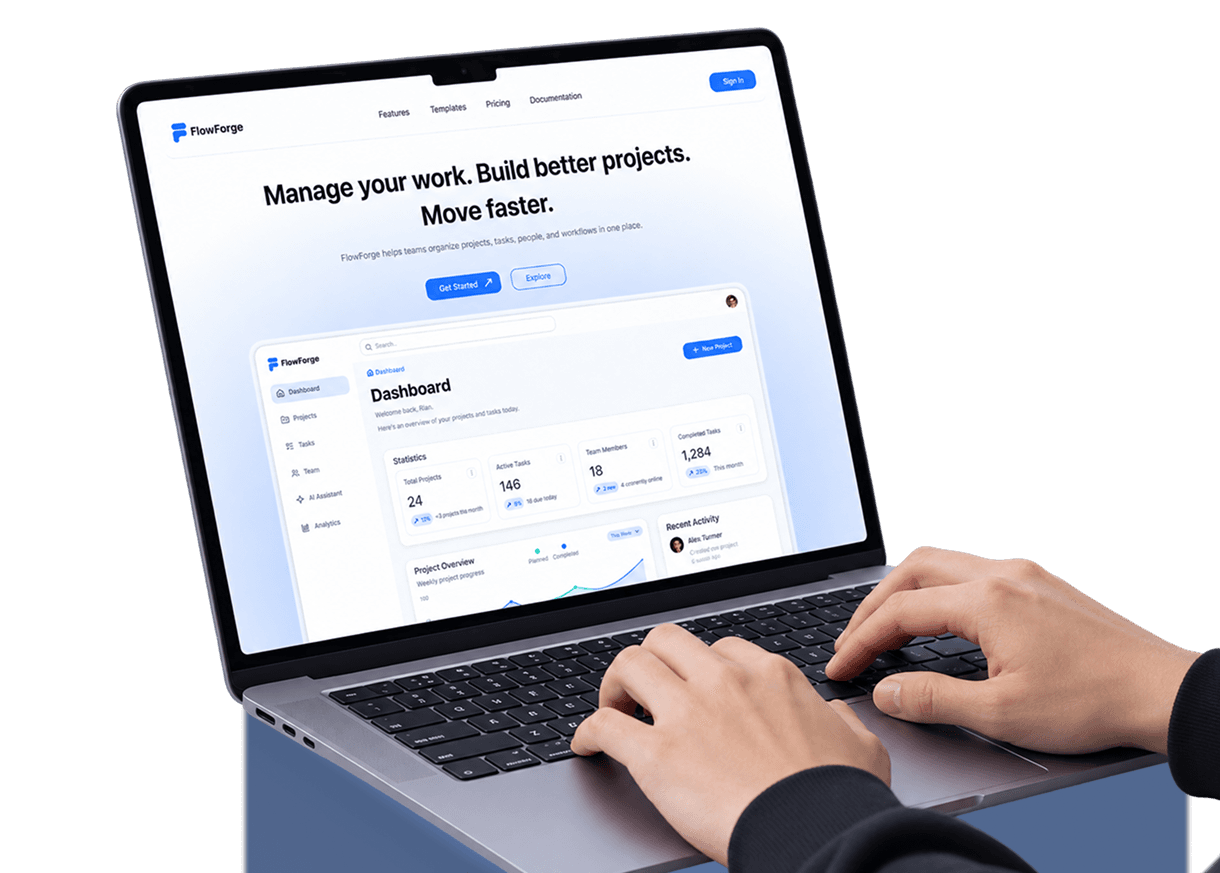
The Problem
Managing projects across multiple tools can make tasks, communication, and progress difficult to keep organized.
FlowForge — A centralized workspace designed to help teams plan, organize, collaborate, and track their work more efficiently.
The Problem
Managing projects across multiple tools can make tasks, communication, and progress difficult to keep organized.
The Solution
FlowForge combines project management, task tracking, collaboration, analytics, and workflow management into one workspace.
A structured process to understand the problem, define user needs, and turn insights into a clear and scalable product experience.
Research
4 Days
Define
5 Days
Structure
7 Days
Design
10 Days
Refine
3 Days
Research
4 Days
Structure
7 Days
Refine
3 Days
Define
5 Days
Design
10 Days
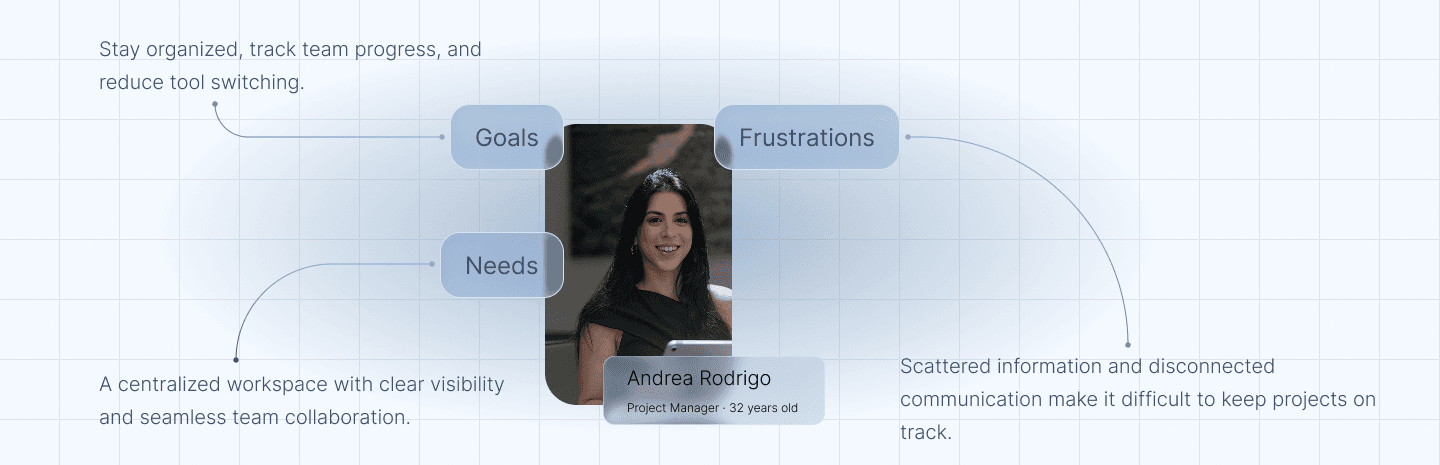
Andrea represents the core audience for FlowForge — a project lead balancing multiple teams, tools, and deadlines every week.
A focused workflow that helps teams create projects, organize tasks, collaborate with members, and keep track of progress in one workspace.
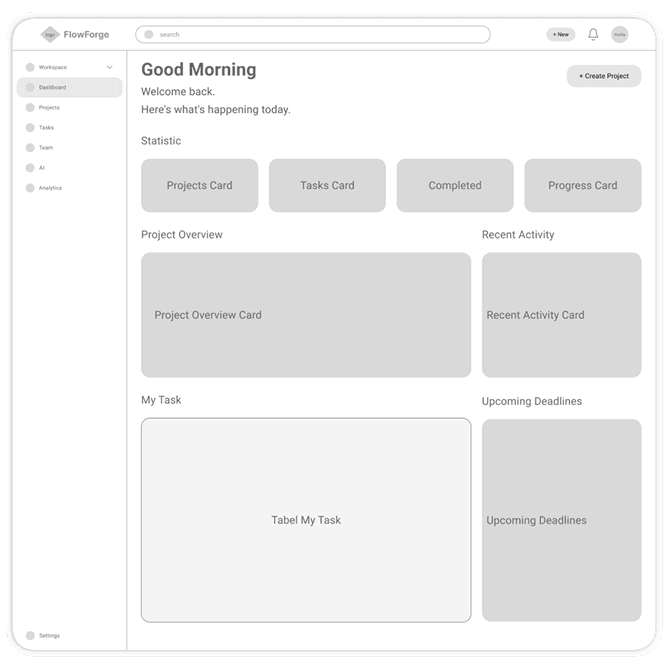
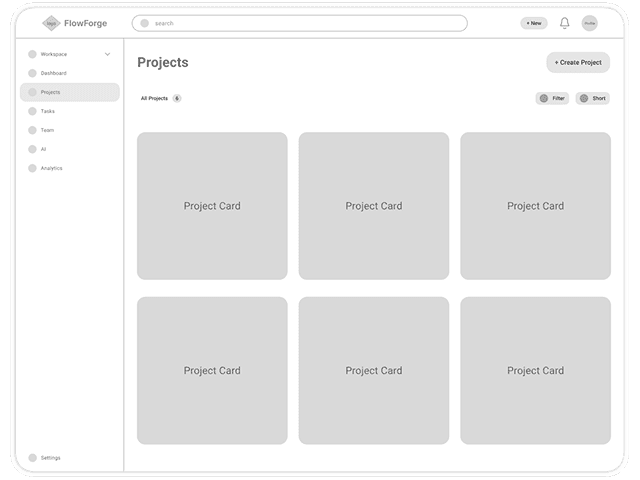
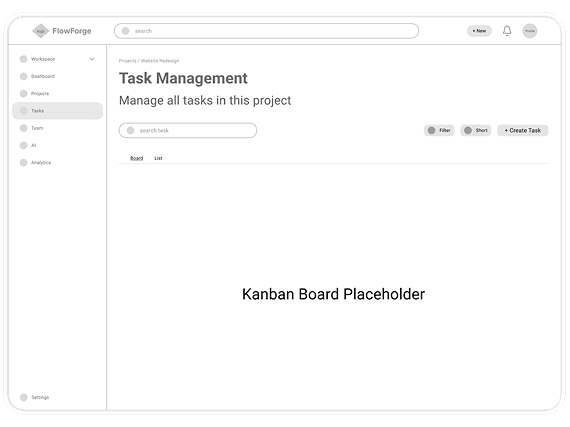
Early wireframes helped establish content hierarchy, layout structure, and key interactions before refining the interface into the final visual design.
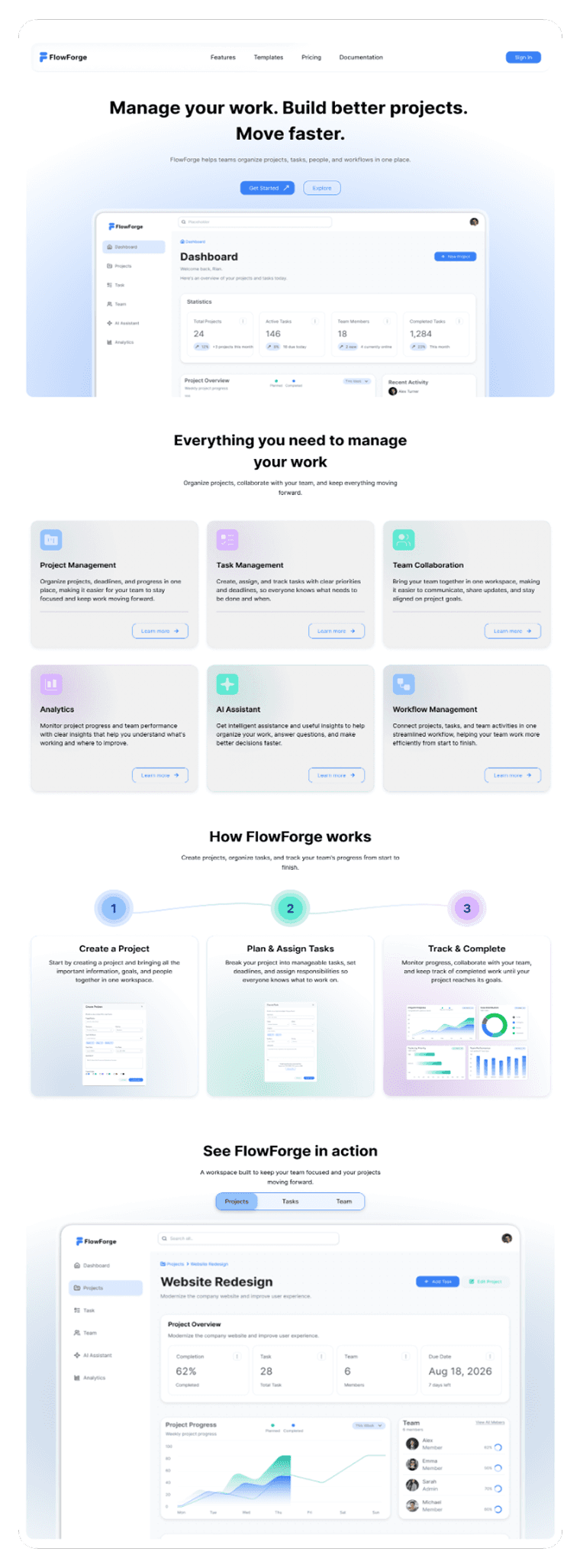
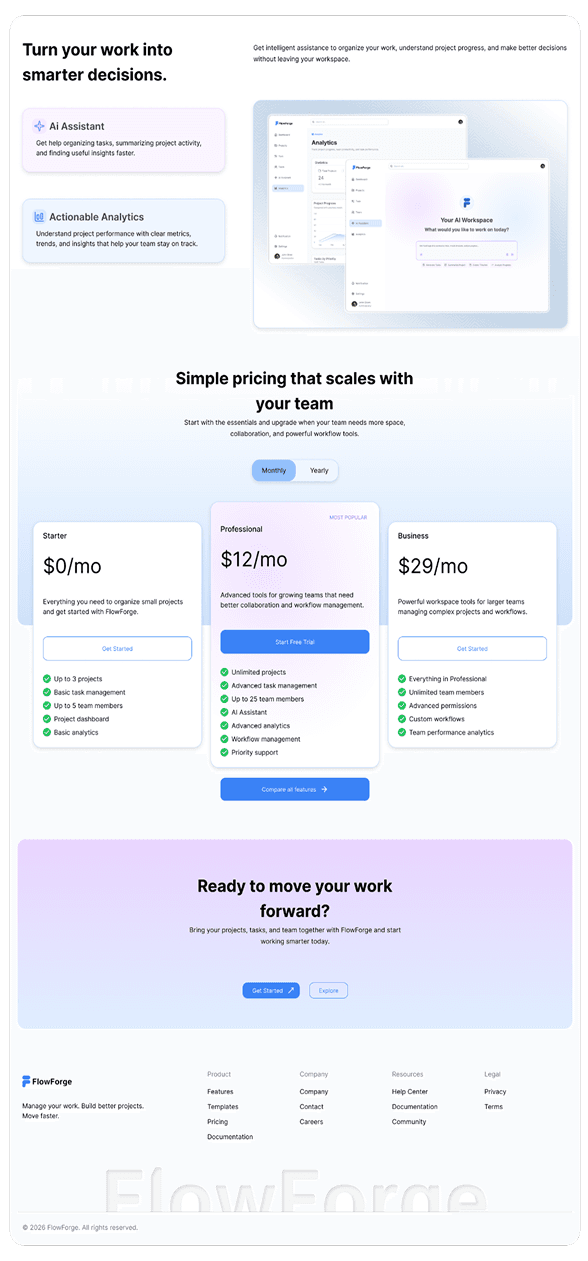
An overview of the final FlowForge interface, designed to bring project management, task tracking, collaboration, and analytics into one focused workspace. The visual direction combines a lightweight interface, soft blue accents, and clear hierarchy to make FlowForge feel approachable while keeping complex workflows easy to navigate.
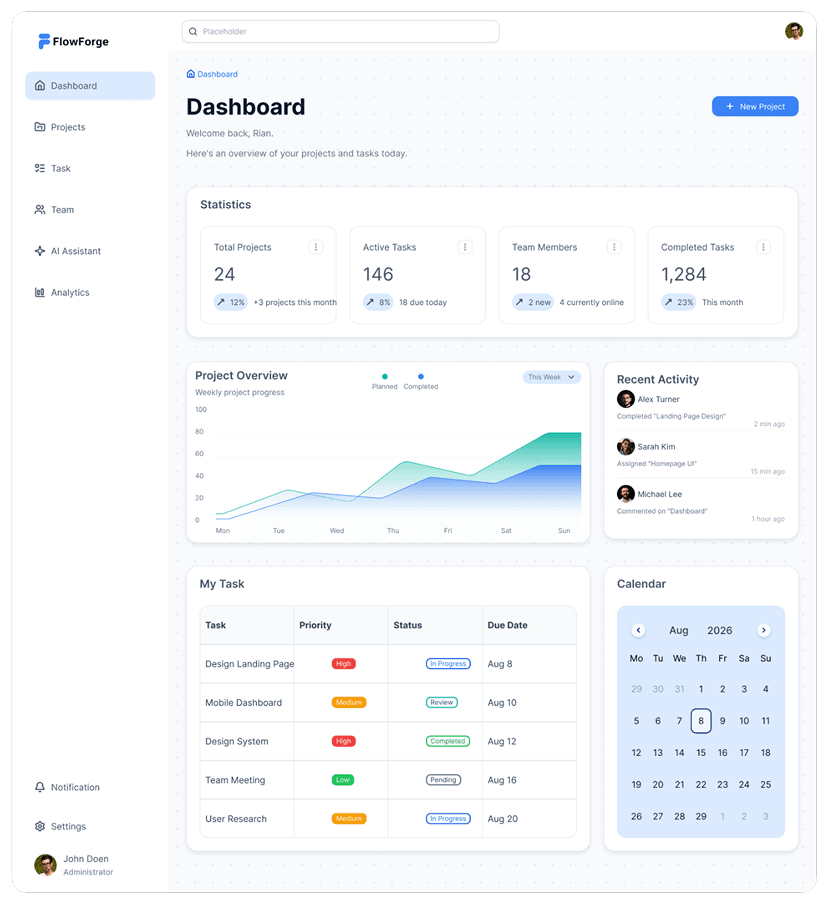
Dashboard
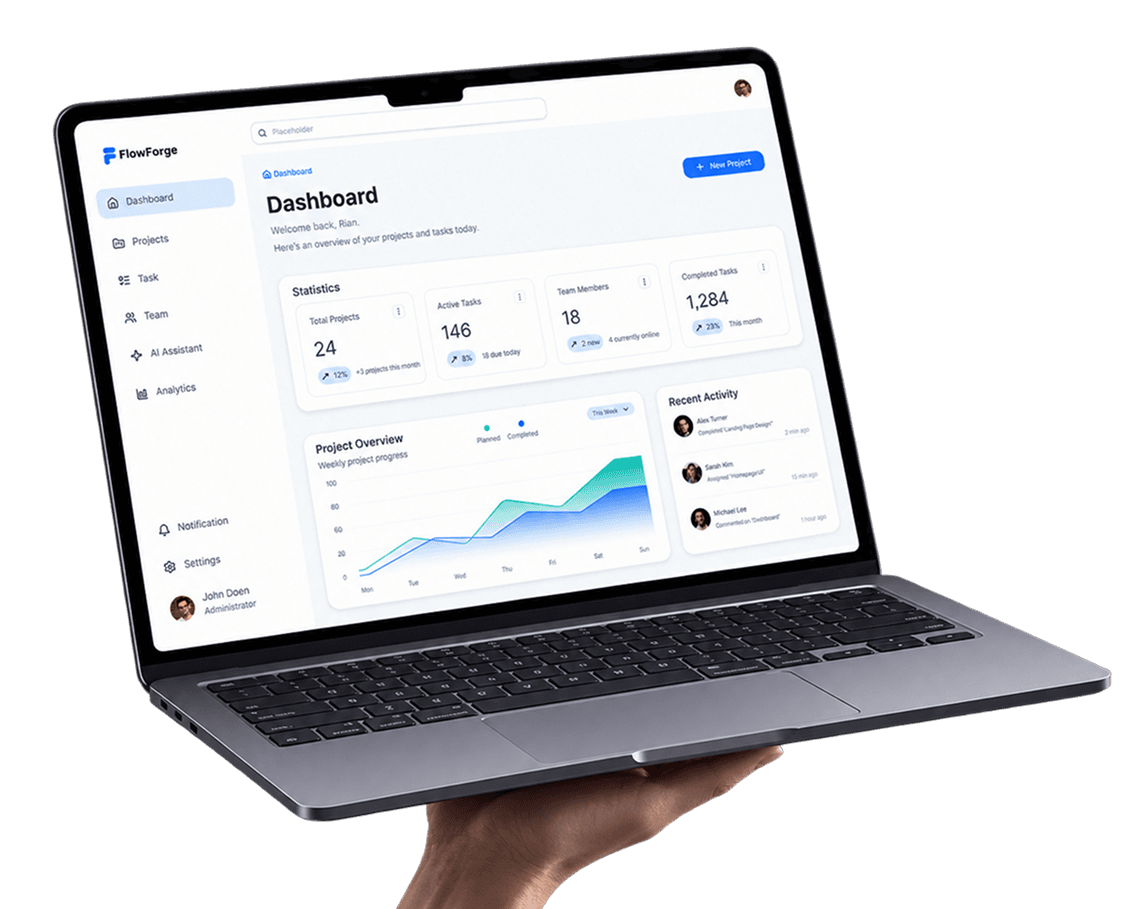
A centralized overview of projects, tasks, team activity, and progress, giving users a clear snapshot of their workspace at a glance.
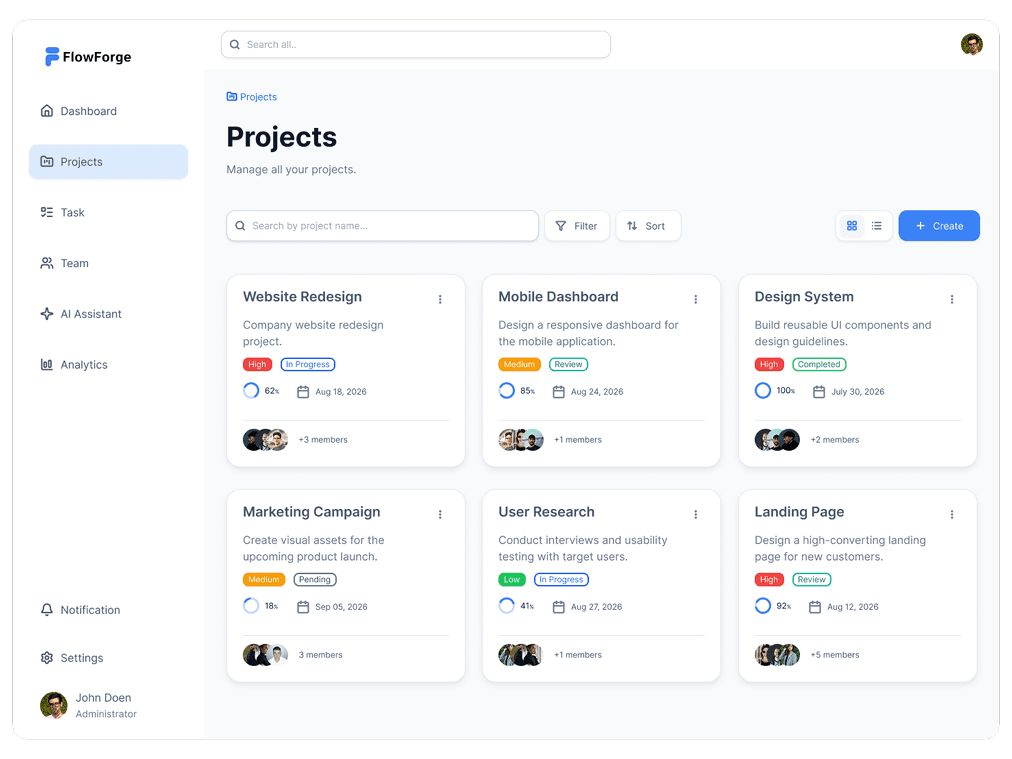
Projects
A structured project workspace that helps users organize active projects, monitor status, and quickly access important project information.
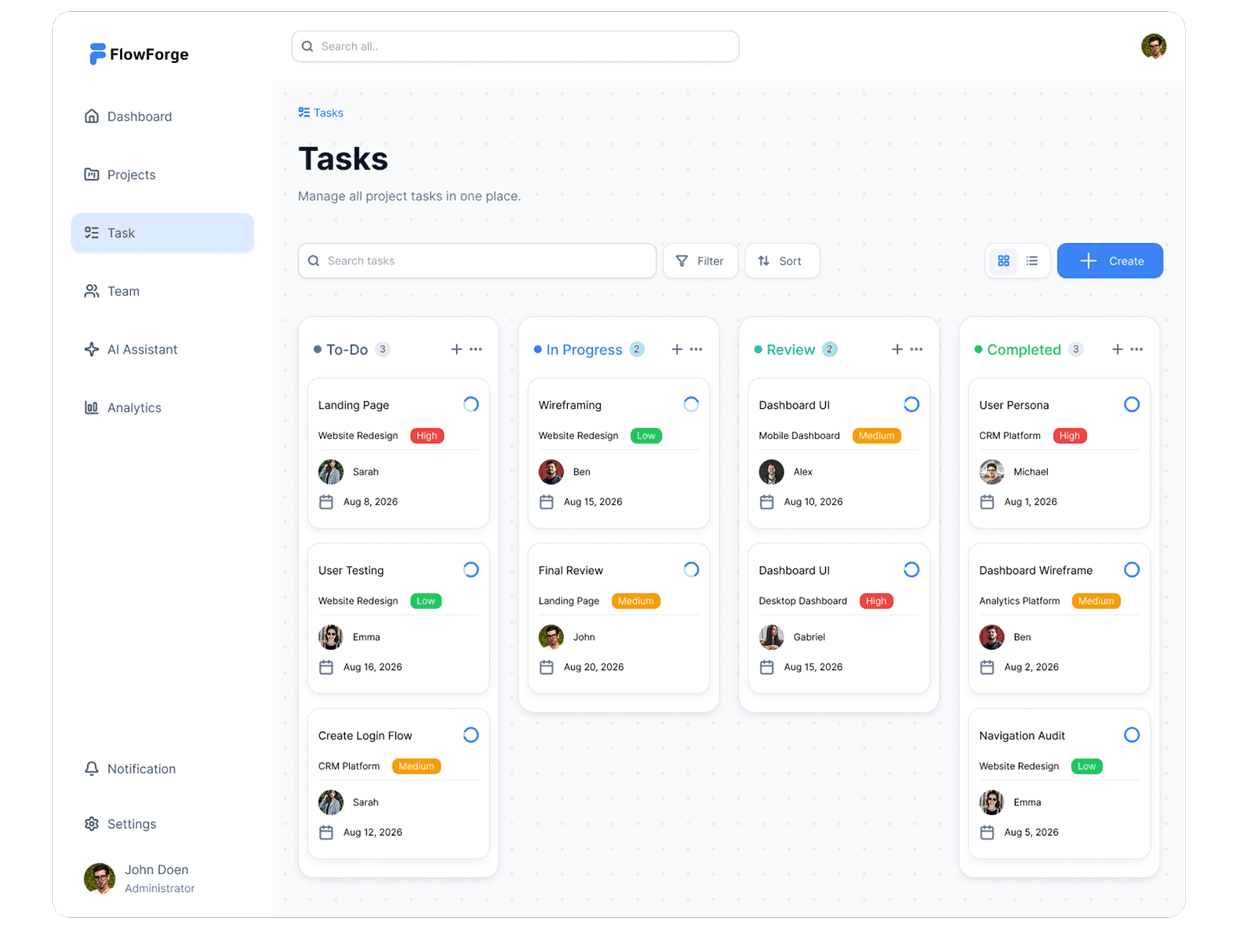
Tasks
A focused task management interface for organizing work, assigning responsibilities, tracking priorities, and monitoring task progress.
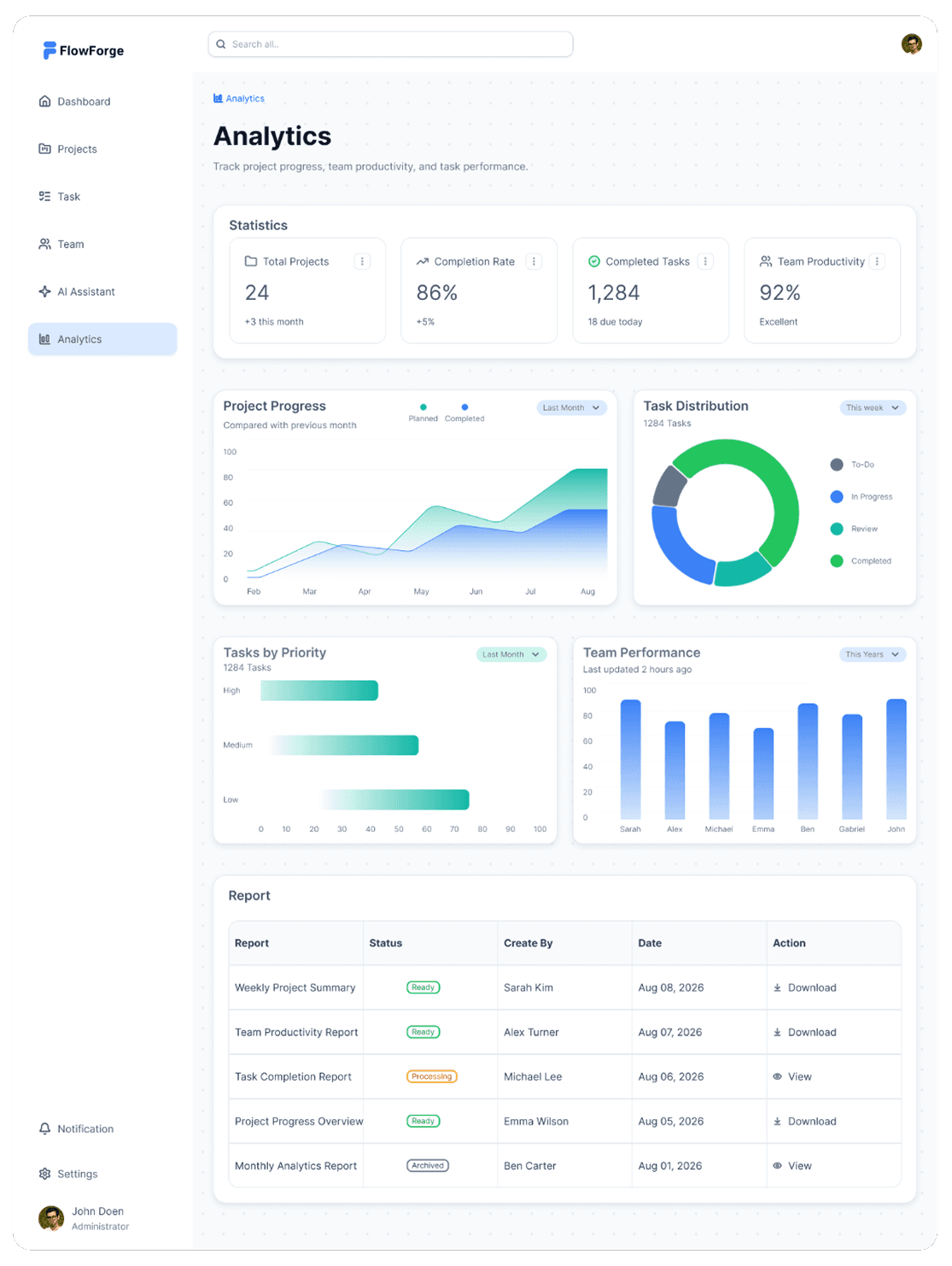
Analytics
A visual overview of project performance, productivity, task distribution, and team activity to help users identify progress and make better decisions.
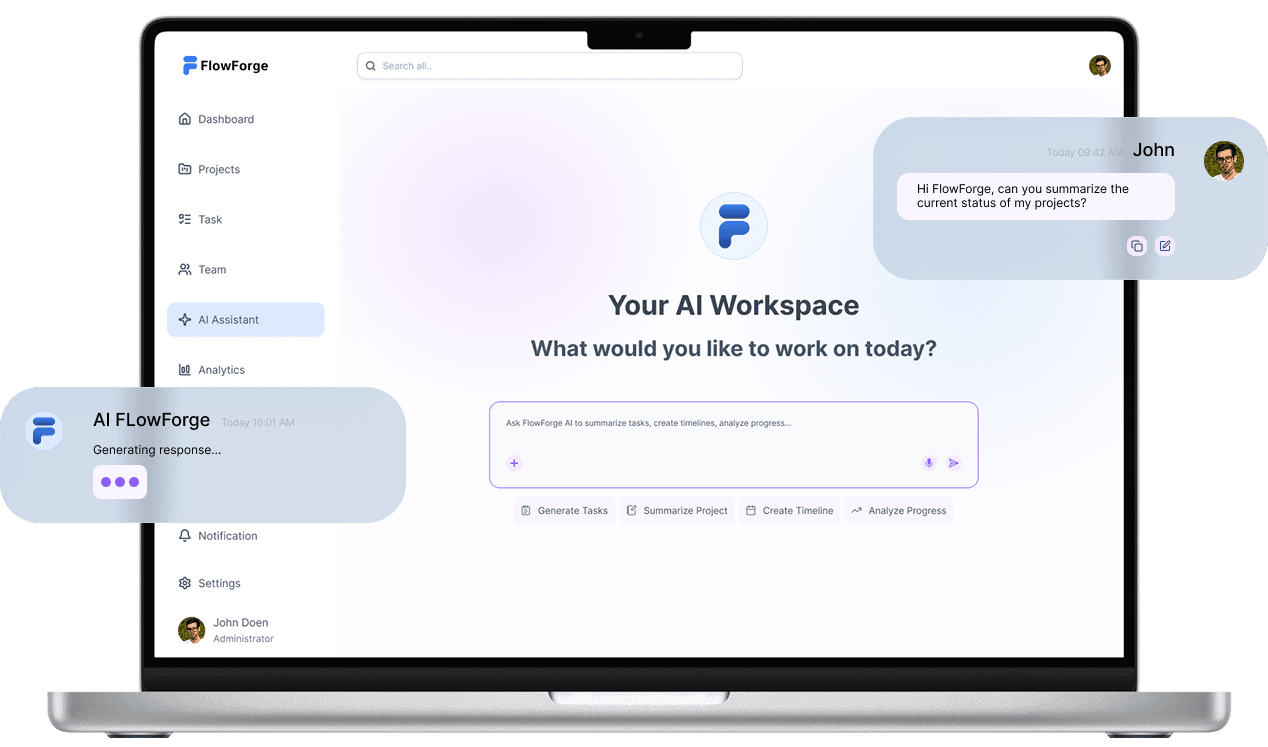
FlowForge's AI Assistant helps teams understand project activity, identify what needs attention, and get useful insights without manually going through multiple screens.
Thanks for scrolling — hope you enjoyed the process.
Designed by Rian · UI/UX Designer